


ImageNow Update

Jun 05, 2025
 1200
1200
Install Current Verion
- Open Software Center, from the Start Menu.
- If you are working remotely you will need to connect to the VPN to access the Software Center.

- Click ImageNow 7.11.0.

- Click Install.

If you do not see ImageNow listed
- Click the Start Menu.
- Search and click Control Panel.
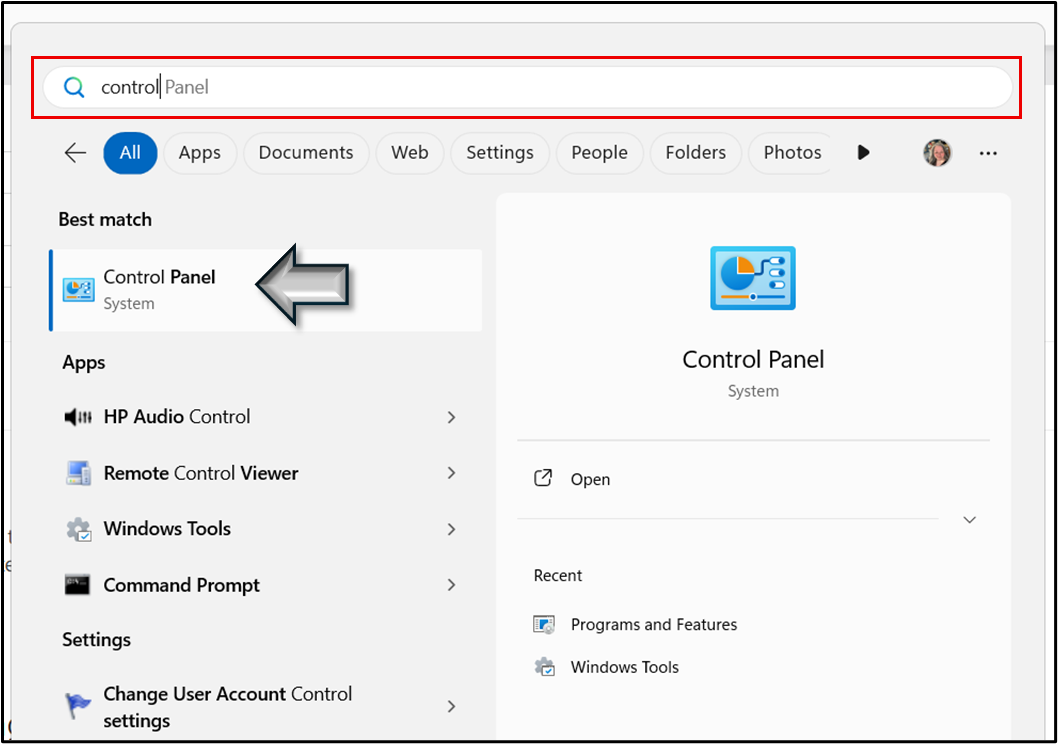
- Click Configuration Manager.
- You might have to change the view (in the upper right hand corner) to Large or Small icons if you do not see Configuration Manager.

- Click Actions > User Policy Retrieval & Evaluation Cycle > Run Now.

- Give the cycle a few minutes to complete.
- Re-open Software Center and ImageNow should now show.
If you are still experiencing issues instilling the update from the Software Center, please submit a ticket and someone will reach out to you.

